

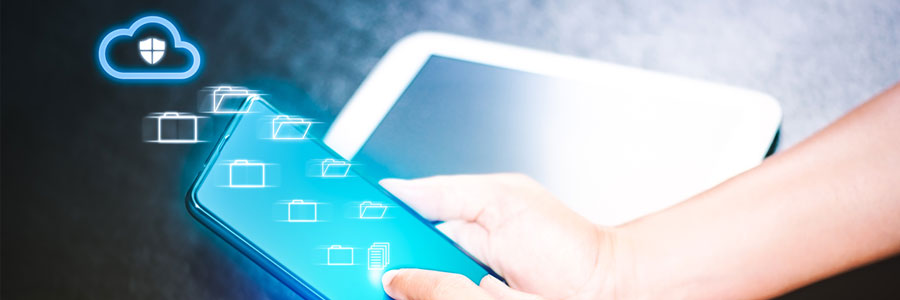
Companies such as Apple, Samsung, and others have turned mobile phones into mini-computers that can serve as a substitute for your laptop, or as a storage device. If you’re using a smartphone as a communications and storage device, backing up now would be a wise move.
Malware on mobile
More than two-thirds of the world’s population use a mobile phone with internet connection, so dangers in these handy devices are to be expected. Scarier than the thought of being offline is being online and exposed to malware.
If you use your mobile devices as extensions of your work computers, backing them up is a must. Mobile phones have become as vulnerable to malware as laptops and desktops are, especially if you consider the fact that many professionals and business owners use them for emailing confidential documents and storing business-critical files.
Device disasters
Malware isn’t the only disaster that can hurt your smartphone. Because you carry it wherever you go, your device can easily be stolen, misplaced, or damaged. They may be easily replaceable, but the data they contain is not. Here are some security threats to look out for:
- Data leakage
Something as simple as transferring files onto a public cloud storage service, or pasting confidential information in the wrong place could compromise your business. In fact, according to specialist insurance provider Beazley, “unintended disclosure” accounted for 41% of data breaches reported by healthcare organizations during the first three quarters of 2017. - Social engineering
Tricking people online into handing over their personal and financial data is no longer confined to desktops, as this trend is already happening on mobile devices. In a report by IBM, it was found out that users are three times more vulnerable to fall for phishing attacks on mobile devices compared to desktops. This is because phones are where people will most likely see a message first, making them a popular attack vector by cybercriminals. - Wi-Fi interference
When we connect our devices to public Wi-Fi networks, we are putting critical information at risk. According to Wandera, nearly a quarter of devices in 2017 connected to potentially insecure networks, and some even encountered a man-in-the-middle attack, where someone anonymously intercepts communication between two parties. - Out-of-date devices
A vast majority of manufacturers, most particularly on the Android front, are ineffective at providing updates for their devices. This can inconvenience end users, as this exposes them to the many threats lurking online. Some smartphones and tablets may receive a security patch from time to time, but manufacturers eventually stop doing so after a while. - Physical device breaches
While this may seem unlikely for some, lost or unattended devices can still become a major security risk, especially if they are not employing proper security measures such as PIN codes and encryption.
Backup options
Performing backups on iOS and Android devices is a quick and painless process. For example, companies that use Office 365 or Google’s G Suite enable company-wide backup settings from a single dashboard. Apple’s backup settings usually need to be configured on each device, but it’s a pretty simple process.
There are also robust third-party options to back up all your organization’s mobile devices. The best of these are cloud backup services that sync devices and back up contacts, photos, videos, and other critical files in one neat system. These mobile backup tools are offered on monthly or lifetime subscription schemes, which provides small businesses with enough flexibility to ensure long-term protection.
Our experts can provide practical advice on security for your business’s computers and mobile devices. Call us to ask about mobile backup and other security solutions today.
Reasons back up mobile devices: South Florida Business Takeaways
Reasons back up mobile devices matters when a growing company depends on reliable devices, cloud tools, cybersecurity, and responsive support. Nextek IT helps South Florida businesses turn this topic into practical technology standards that employees can follow.
The right technology habit is easier to maintain when it is part of a managed standard instead of a one-time fix. Nextek IT helps South Florida teams turn practical tips into repeatable IT support processes.
- Document the recommended process so employees apply Reasons back up mobile devices consistently.
- Review settings across managed devices, Microsoft 365, cloud apps, and user accounts.
- Confirm backups, cybersecurity controls, and support escalation steps before a small issue becomes downtime.
For help with Reasons back up mobile devices, explore Nextek IT’s fully managed IT services, server and desktop support, and cybersecurity services.
Contact Nextek IT when your South Florida team wants these improvements handled by an IT support partner instead of manually page by page.